Customer relationships are one of the most valuable assets in any business. Every inquiry, call, email, meeting, quotation, follow-up, support request, and sale tells part of the customer journey. When this information is organized properly, a business can respond faster, sell more effectively, and build stronger relationships.
The problem is that many businesses still manage leads and customers through scattered spreadsheets, inboxes, WhatsApp messages, sticky notes, disconnected apps, or basic contact forms. This may work for a small number of customers, but it becomes difficult as the business grows.
Leads get missed. Follow-ups are delayed. Sales teams lose context. Managers cannot see the full pipeline. Customers repeat the same information again and again. Marketing campaigns generate inquiries, but the business does not always convert them properly.
This is where custom CRM software development becomes valuable.
A custom CRM system helps businesses manage leads, customers, sales activity, follow-ups, communication history, tasks, reports, and automation in one organized platform. Instead of forcing your team into a generic CRM that does not match your process, custom CRM software is designed around the way your business actually works.
At HBSS – Hybrid Software Solutions, we build custom software, web applications, CRM and ERP-style systems, dashboards, automation workflows, AI-assisted tools, and business platforms that help companies operate more efficiently and grow with better control.
What Is Custom CRM Software?
CRM stands for Customer Relationship Management. CRM software helps businesses organize customer information and manage interactions throughout the sales and service process.
Custom CRM software is built specifically for your business requirements. It can include the features, user roles, workflows, dashboards, forms, reports, and automations your team needs.
A custom CRM may include:
Lead capture
Customer profiles
Sales pipeline tracking
Follow-up reminders
Quotation management
Task assignment
Email or message history
Team activity tracking
Service request records
Reporting dashboards
Automation workflows
Role-based user access
The goal is to create one central system where your team can manage customer relationships clearly and consistently.
Why Generic CRMs Are Not Always Enough
Many ready-made CRM platforms are powerful, but they are not always the best fit for every business. Some companies find generic CRMs too complicated, too expensive, or filled with features they do not need. Others find that the CRM does not match their exact sales process, service workflow, reporting needs, or internal structure.
A business may need custom lead stages, industry-specific forms, unique quotation rules, special customer categories, document uploads, appointment tracking, or integration with an existing website or application.
When a generic tool does not match the workflow, employees often create workarounds. They continue using spreadsheets, emails, and manual notes outside the CRM. This creates duplication and reduces the value of the system.
Custom CRM software solves this problem by creating a system around the business process, not the other way around.
Better Lead Management
Lead management is one of the main reasons businesses invest in custom CRM software development. Leads may come from websites, landing pages, SEO, Google Ads, social media, referrals, emails, phone calls, chatbots, or offline campaigns.
Without a central system, these leads can become scattered. A custom CRM can collect inquiries from different channels and organize them in one place.
For example, when someone fills out a website form, the CRM can automatically create a lead record, identify the service requested, assign the lead to a team member, send a notification, and create a follow-up task.
This helps businesses respond faster and reduce missed opportunities. For companies competing in USA and global markets, response speed can make a major difference because customers often compare multiple providers before making a decision.
Sales Pipeline Visibility
A sales pipeline shows where each potential customer stands in the buying journey. Common stages may include new lead, contacted, qualified, proposal sent, negotiation, won, lost, or follow-up later.
A custom CRM can show this pipeline clearly through dashboards, lists, filters, and visual boards. Managers can see how many leads are in each stage, which deals need attention, which team members are active, and which opportunities may close soon.
This visibility helps businesses make better decisions. Instead of guessing whether sales are improving, the team can see actual activity and results.
A clear sales pipeline also improves accountability. Everyone knows which leads they are responsible for and what action should happen next.
Automated Follow-Ups
Many sales are lost because follow-up is weak. A potential customer may ask for details, receive one message, and then never hear from the company again. Sometimes the lead was interested, but the team forgot to follow up.
Custom CRM software can help automate reminders and follow-up workflows.
For example, if a proposal is sent and the customer does not respond within three days, the CRM can remind the assigned salesperson. If a lead asks to be contacted next week, the system can create a scheduled task. If a customer completes a purchase, the CRM can trigger a thank-you email or support onboarding task.
Automation does not remove the human relationship. It helps the team stay consistent and professional.
Customer History in One Place
A strong CRM gives your team full customer context. Instead of searching through emails, chats, and spreadsheets, users can open a customer profile and see important details.
This may include previous inquiries, notes, calls, quotes, invoices, meetings, documents, support tickets, purchased services, and assigned team members.
Customer history helps businesses provide better service. If a customer contacts your company again, your team can understand the past relationship quickly and respond more intelligently.
This is especially useful for service businesses, agencies, consultants, healthcare providers, real estate firms, e-commerce businesses, software companies, and B2B organizations.
Custom CRM Dashboards and Reports
Reporting is one of the biggest advantages of a custom CRM system. Business owners need to know where leads are coming from, which services are in demand, which salespeople are performing well, which campaigns are working, and where opportunities are being lost.
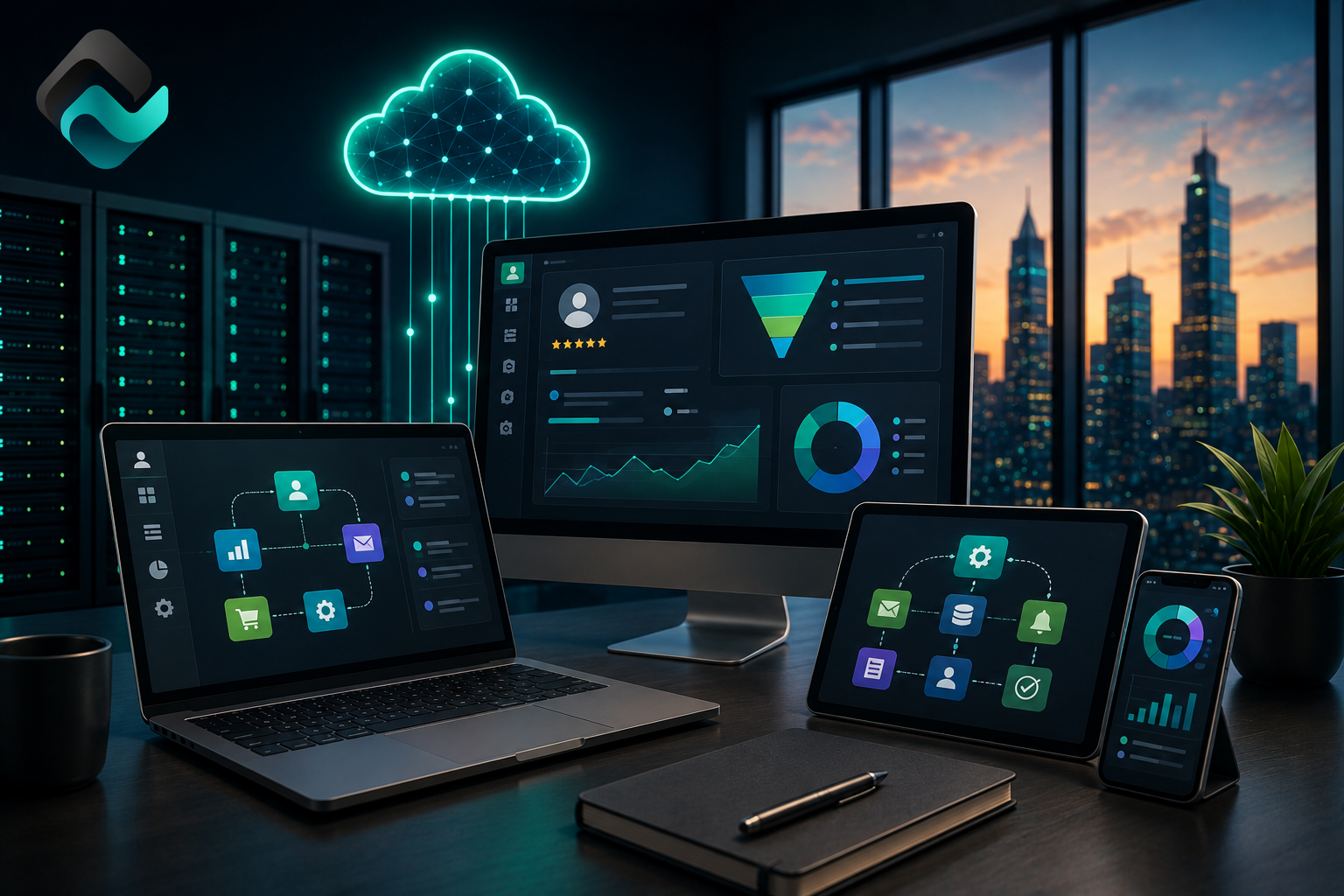
A custom CRM dashboard can show:
Total leads
Lead sources
Conversion rates
Sales pipeline value
Follow-up status
Team activity
Won and lost deals
Service demand
Monthly sales trends
Customer support requests
Reports can be designed around the business’s actual goals. This is much more useful than generic reports that do not match the company’s decision-making needs.
CRM Automation and AI Features
Modern CRM systems can also include automation and AI-assisted features. AI can help summarize customer messages, categorize leads, suggest follow-up actions, draft email responses, detect urgent inquiries, and identify high-value prospects.
For example, an AI-assisted CRM can review a website inquiry and identify whether the customer needs web development, custom software, SEO, mobile app development, or automation services. It can then route the lead to the correct team.
AI can also help sales teams save time by preparing summaries before calls or creating proposal outlines based on customer requirements.
These features should be used carefully, with human review where needed. The goal is to help the team work faster, not to remove professional judgment.
CRM Integration With Website and Marketing
A CRM becomes more powerful when it connects with your website and marketing systems. Website forms, chatbots, landing pages, ad campaigns, email marketing tools, and analytics platforms can all feed useful information into the CRM.
For example, if a visitor submits a form from a service page, the CRM can record which page the lead came from. If a lead comes from a campaign, the CRM can store the campaign source. This helps businesses understand which marketing channels generate real opportunities.
For SEO and digital marketing, this is valuable because traffic alone is not enough. Businesses need to know which traffic turns into leads and customers.
Role-Based Access and Security
A CRM often contains sensitive customer information. This may include names, emails, phone numbers, business details, project discussions, quotes, documents, and internal notes.
Custom CRM software can include role-based access so users only see the information they need. Sales staff, managers, support teams, admins, and executives can have different permissions.
Security features may include secure login, password protection, activity logs, encrypted connections, backup planning, and controlled data access.
This is important for businesses that care about customer trust and internal data protection.
When Should a Business Build a Custom CRM?
A business should consider custom CRM software when leads are being missed, follow-ups are inconsistent, customer information is scattered, reports are difficult to prepare, or generic CRM tools do not match the workflow.
You may need a custom CRM if your team is still using spreadsheets for customer tracking, if leads come from multiple channels, if managers cannot see sales performance clearly, or if your sales process has industry-specific requirements.
Custom CRM development is also useful when your business wants to connect customer management with custom software, dashboards, websites, e-commerce systems, portals, or automation workflows.
Build Custom CRM Software With HBSS
HBSS – Hybrid Software Solutions helps businesses build practical software systems that support growth. We develop custom CRM systems, ERP-style platforms, web applications, admin dashboards, automation workflows, AI-assisted tools, business websites, e-commerce solutions, and ongoing support systems.
Whether your company needs a simple lead management dashboard or a complete CRM platform with automation, reporting, user roles, and integrations, HBSS can help you plan and develop a system around your real workflow.
A good CRM should make your business easier to manage, not more complicated.